Never miss earthquake information during your stream.
QuakeOverlay automatically fetches earthquake data and displays it on your OBS stream overlay. Stay informed and share earthquake information with your viewers during streams.
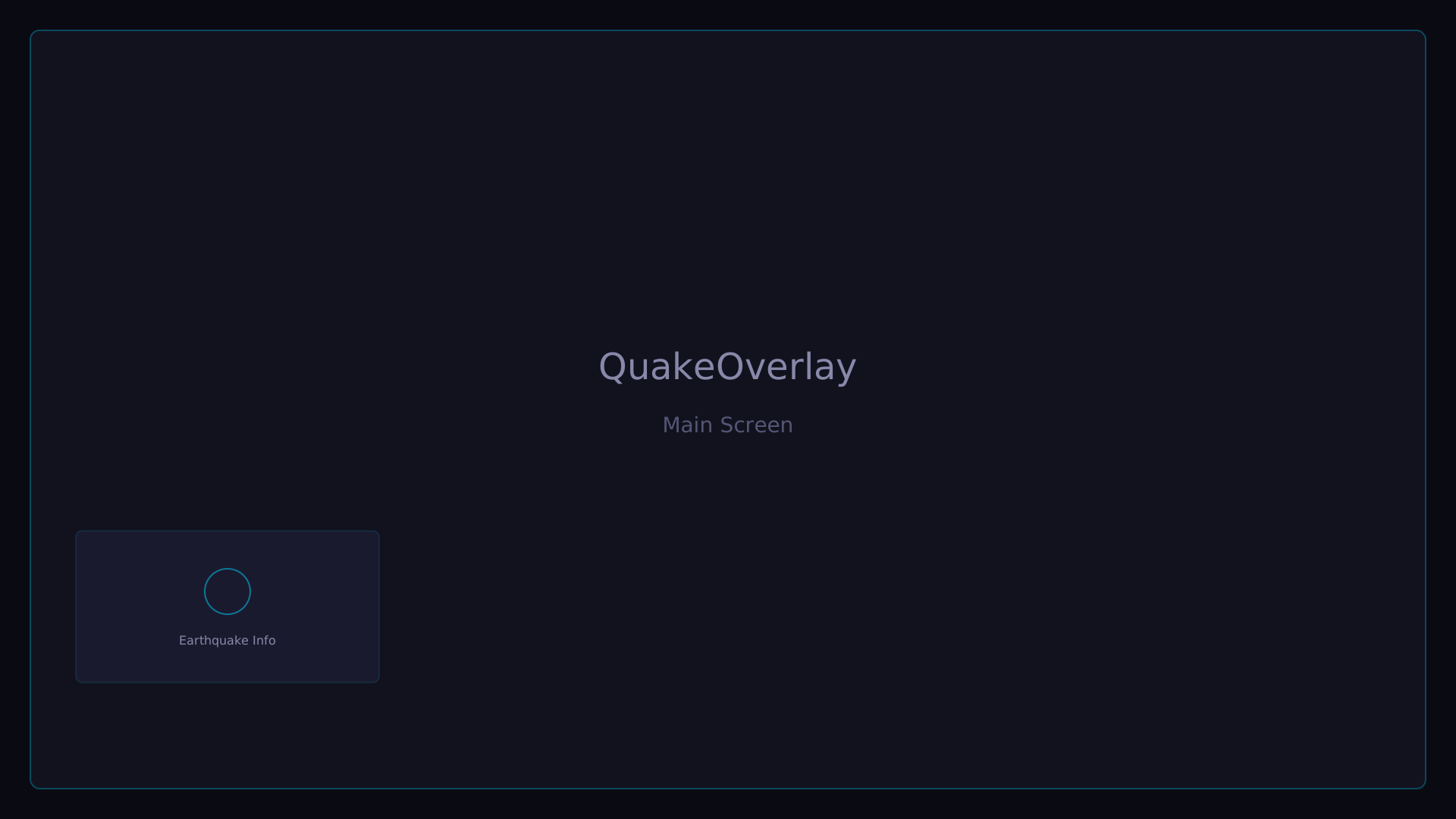
Key Features
Everything you need for earthquake info on stream
Earthquake Alerts
Automatically fetches earthquake data and displays it on your stream overlay. Keep your viewers informed during streams.
OBS Overlay
Easily add as a browser source in OBS. Designed to blend naturally into your stream.
Customization
Fine-tune display position, size, intensity threshold, and more to your preference.
Multi-language
Supports Japanese, English, and Korean. Share earthquake info with international viewers.
Demo
See it in action
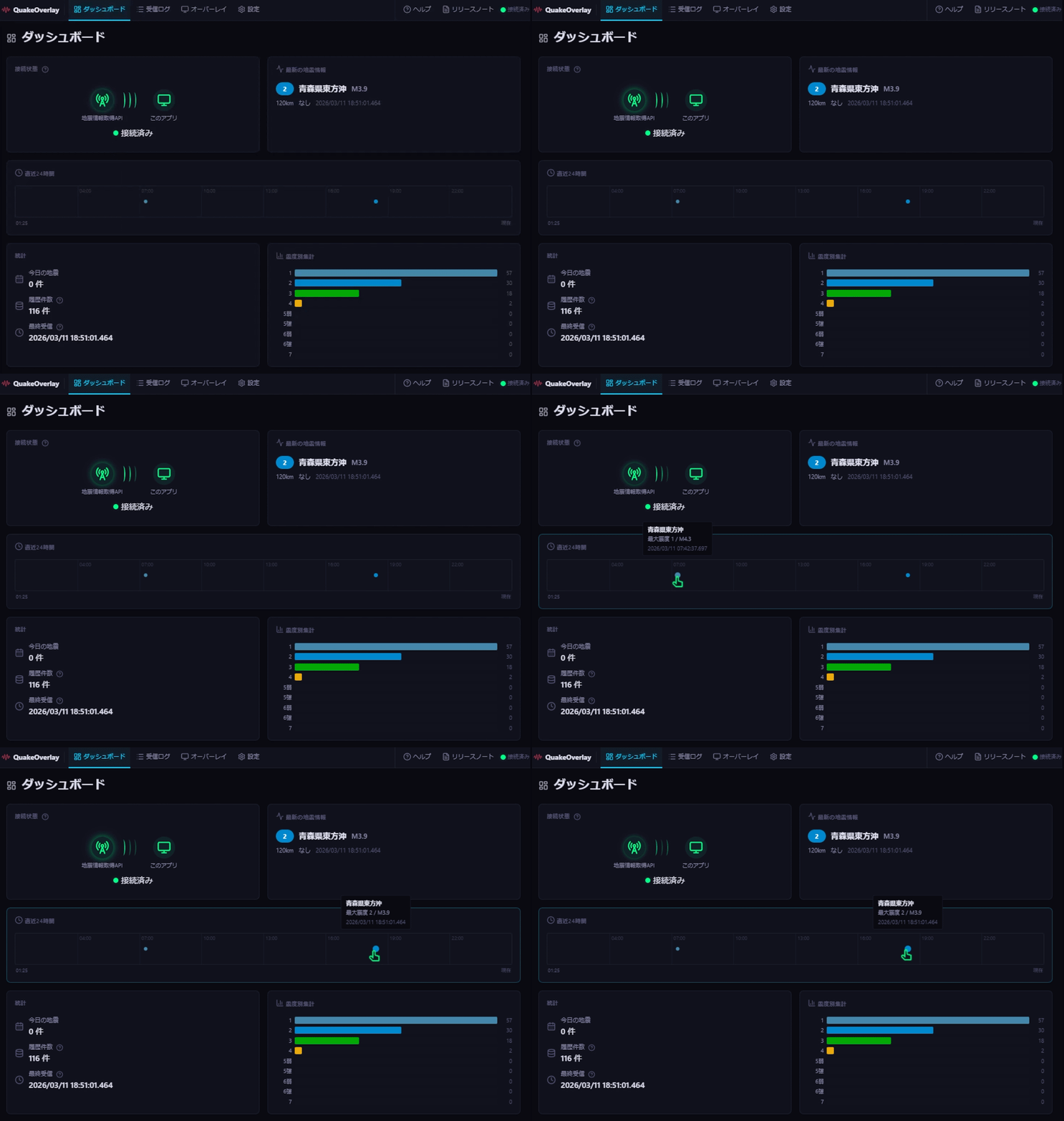
Dashboard
Easy 3 Steps
Setup takes just minutes
Download
Download from Booth and extract the ZIP file.
Configure
Launch the app and set your preferred intensity level and display position.
Start Streaming
Add a browser source in OBS, set the URL, and you're ready to go.
User Reviews
What users are saying about QuakeOverlay
Reviews coming soon